

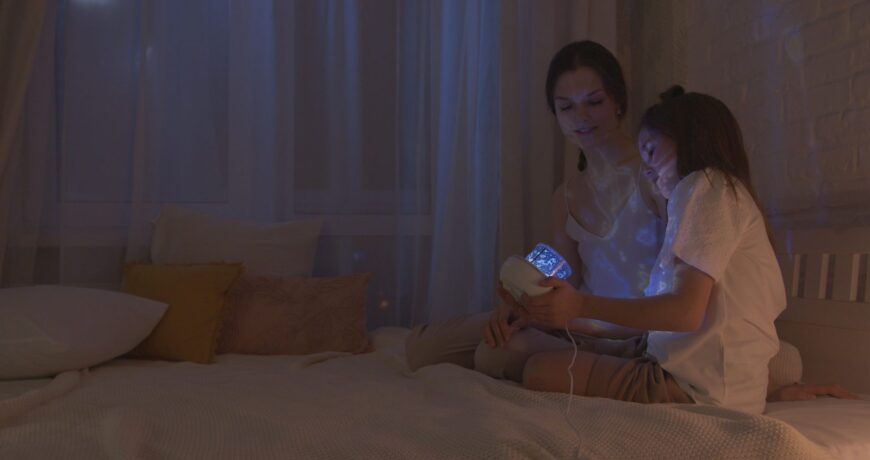
How to Create the Viral Galaxy Projector Bedroom Look Leave a comment
You’ve seen it everywhere on Pinterest and TikTok: a bedroom ceiling covered in slow-moving stars and a soft nebula wash across the walls. The look comes from a galaxy projector paired with a couple of layers of ambient light, and you can put it together in one evening for well under $100. Here’s exactly what to buy, how to set it up, and what nobody mentions about running these things safely overnight.
Why This Trend Is Suddenly Everywhere
If your feed has turned into an endless scroll of star ceilings this year, you’re not imagining it. Design writers are calling it “Extra Celestial,” a shift toward cosmic silhouettes, soft nebula colors, and constellation art that’s replacing the harder, brighter maximalism of a few years ago. Vogue Adria traces the appeal back to something pretty relatable: after a few years of doom scrolling and rolling anxiety about the world, a lot of people just want a room that feels like a quiet escape instead of another screen.
A galaxy projector is the fastest way into that look. You’re not repainting a wall or hanging expensive art. You’re plugging in one device and pointing it at your ceiling.
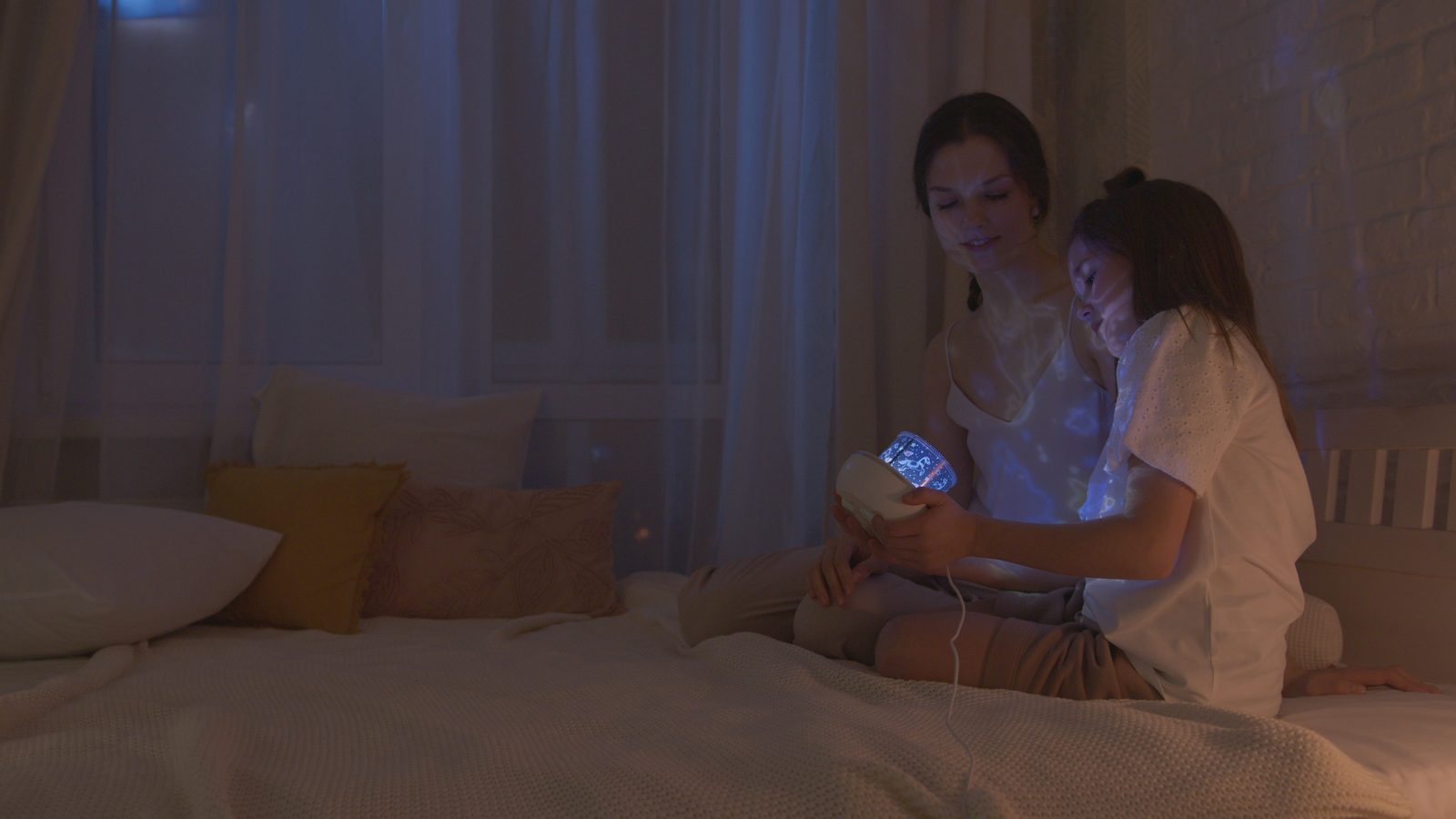
Photo: Artem Podrez / Pexels
What You Actually Need to Get the Look
The Projector Itself
Look for three things before you buy anything: a real remote (not just a button on the base), a built in timer so it shuts off on its own, and at least a handful of color and pattern modes so it doesn’t feel like the same effect every night. Our 13 in 1 Galaxy Star Projector covers all three, with rotating nebula colors and a sleep timer so you’re not getting up at 2am to switch it off.
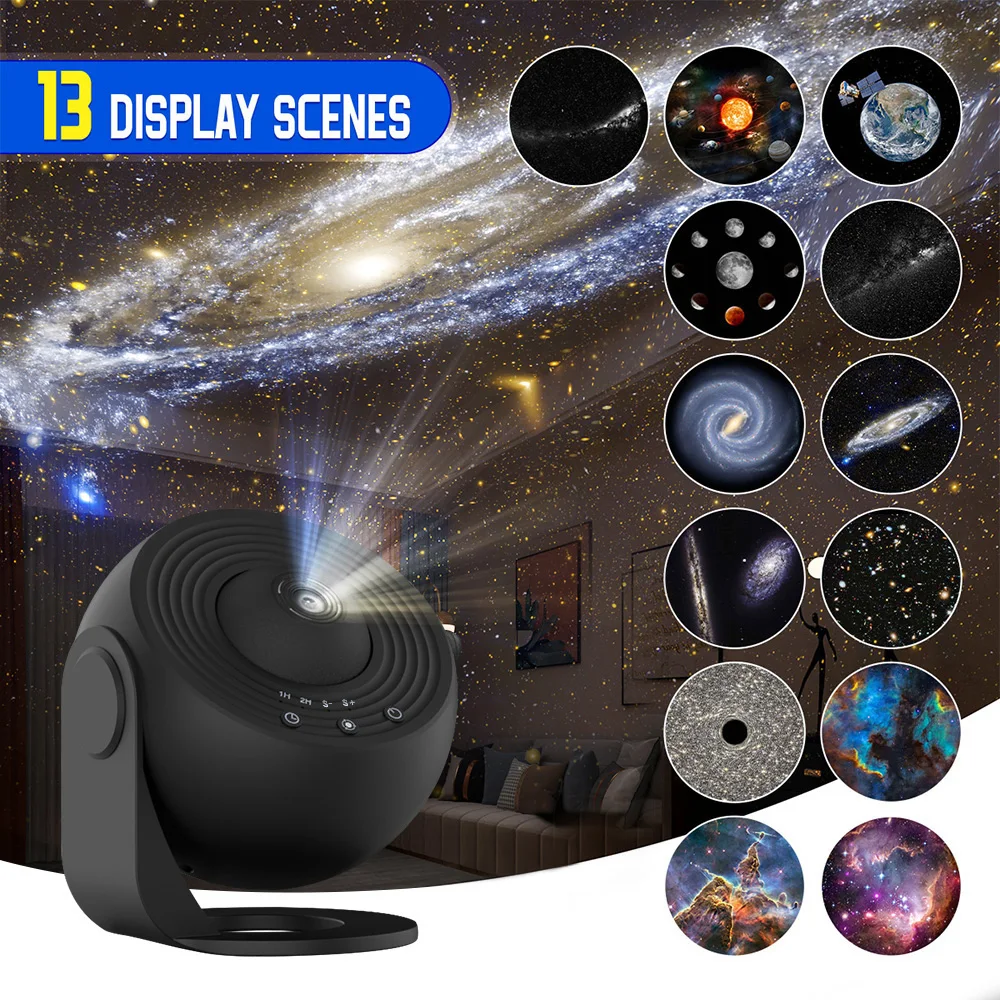
Hanz Outlet product photo.
Ambient Layering With LED Strips
A single projector on its own can look a bit flat once your eyes adjust. The rooms that actually look like the Pinterest photos almost always have a second, dimmer light layer running behind a headboard or along a shelf. Warm white or a soft amber tone works best if you want the room to still feel restful rather than like a nightclub.

Photo: Elena Votintseva / Pexels
Our RGB LED Strip Lights are the easiest way to add that second layer. They run off the same kind of remote as the projector, and the app lets you save a warm, dim preset so you’re not stuck flicking through fifty color options every night before bed.
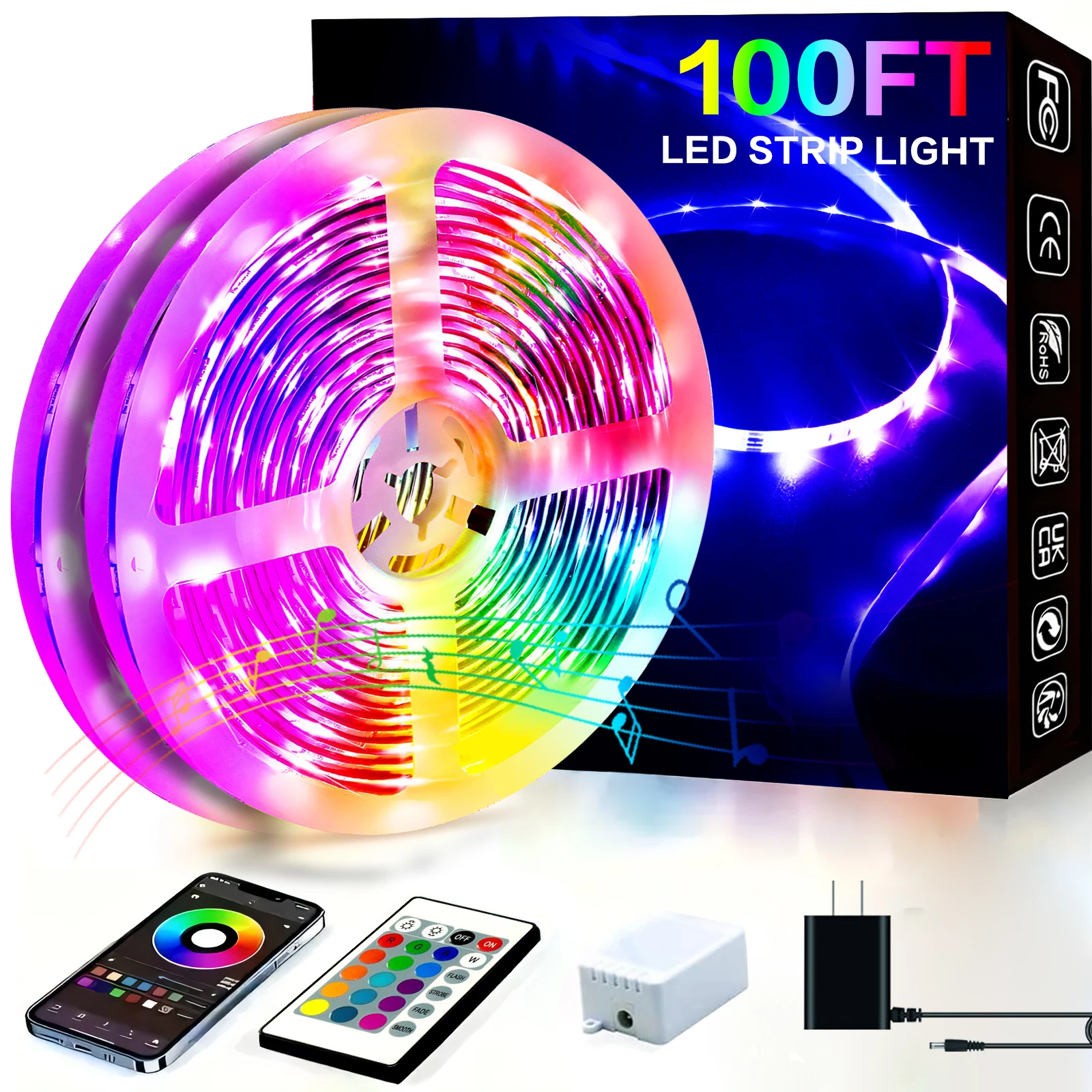
Hanz Outlet product photo.
Setting It Up the Right Way
Placement matters more than people expect. Mount or stand the projector roughly six to eight feet from the wall or ceiling you want covered. Too close and the stars look like blurry blobs instead of points of light. Too far and the effect gets dim and washed out.
For the LED strips, run them along the top edge of a headboard, the underside of a floating shelf, or behind a dresser so the light source itself stays hidden and only the glow shows. That’s the detail that separates a genuinely cozy room from one that just has a gadget sitting on a nightstand.
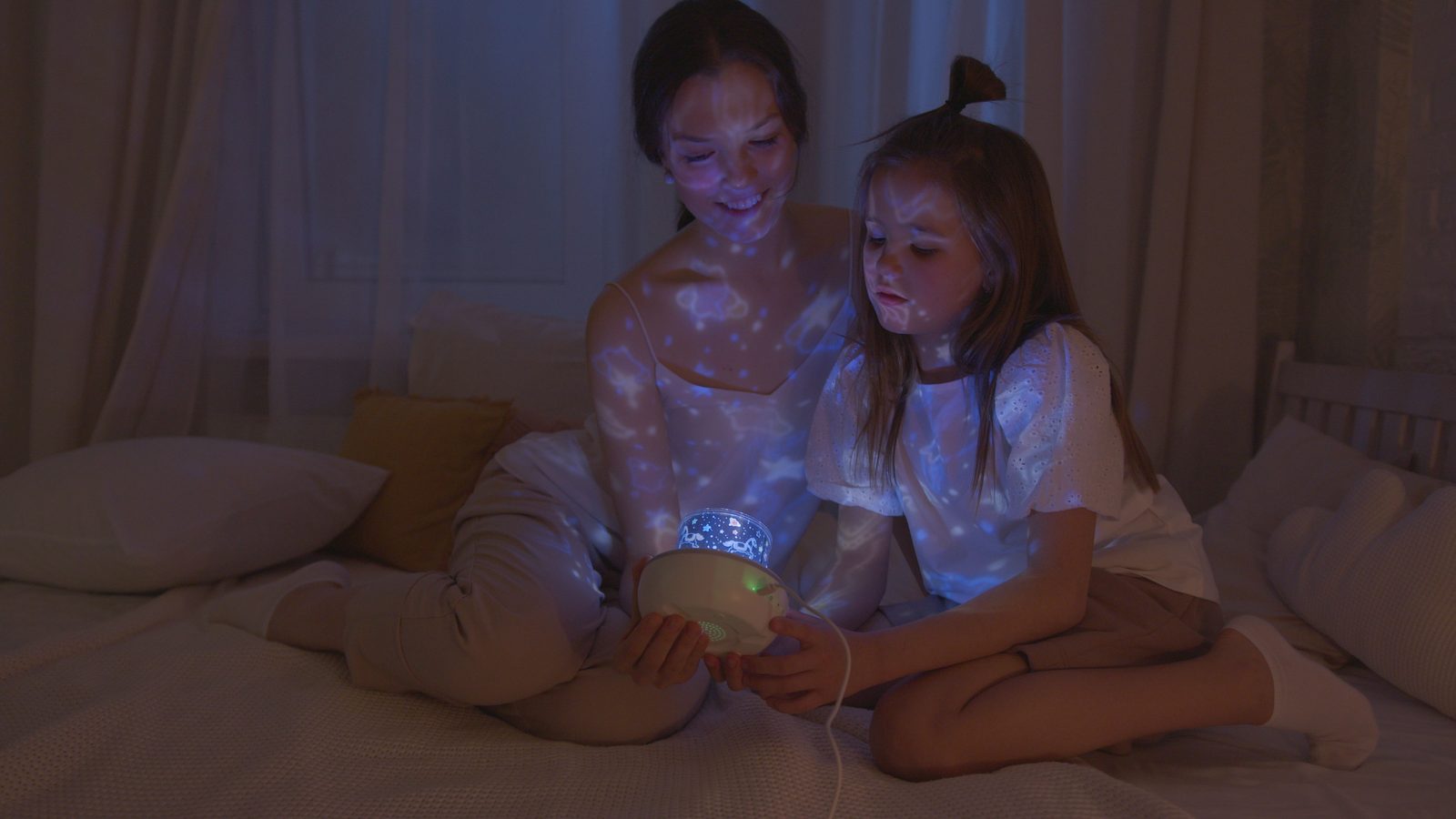
Photo: Artem Podrez / Pexels
If you’re chasing the exact “wellness” version of this look rather than the party version, keep your color temperature warm. The Sleep Foundation notes that warm tones in the 2700K range, close to a sunset or candlelight, are far gentler on your body’s melatonin production than cool white or blue toned light. Most projectors and strip lights let you dial down to an amber or soft red mode for exactly this reason, so use it in the hour before you actually want to fall asleep.
Safety Notes Before You Buy
A few practical things worth knowing before this becomes a nightly habit:
- Use the timer. Running any light projector all night every night is unnecessary and just wastes the bulb’s lifespan. A one or two hour auto shutoff is plenty.
- Keep it out of reach in kids’ rooms. These are popular in children’s bedrooms, but the base gets warm during use and the cord is a trip hazard if it’s placed on the floor. A dresser or shelf mount is safer than the floor.
- Don’t point it directly at the bed. Aim for the ceiling or the far wall rather than straight down onto a pillow, since some units have a laser style star element that shouldn’t shine directly into eyes for long periods.
- Check the plug rating if you’re in a different region. If you’re ordering internationally, confirm the adapter matches your home’s voltage before your first use.
Frequently Asked Questions
Do galaxy projectors use a lot of electricity?
No. Most run on a small LED and laser diode setup pulling well under 10 watts, similar to a phone charger. Leaving one on a timer overnight costs a negligible amount even over a full month.
Will the stars show up in a bright room?
Not well. These projectors need a dark or dimly lit room to show up clearly, the same way you can’t see a movie projector’s image with the lights on. Close the blinds or wait until after sunset for the full effect.
Can I use a galaxy projector and LED strips on the same remote?
Usually not out of the box, since they’re typically separate devices from separate product lines. Some smart home setups can group them through a single app if both support Bluetooth or WiFi control, but check the specific products first.
How long do these projectors typically last?
A well built unit with a real timer function and no overheating issues should comfortably last a couple of years of regular nightly use. Turning it off when you’re not in the room, rather than leaving it running around the clock, is the single biggest thing that extends its lifespan.
Ready to put the whole look together? Browse our full Home and Garden lighting collection for more pieces that pair well with this setup.
